Newborn Photography Editing Education
Beautiful galleries. Happy clients. Evenings that belong to you.
You didn't become a newborn photographer so you could spend every night fixing skin tones, fighting presets, and editing while your family goes to bed without you.
Learn a complete newborn editing workflow that helps you create polished, consistent images your clients are thrilled to receive — without making Photoshop your second full-time job.
One membership. Every course. New education added as editing technology changes.

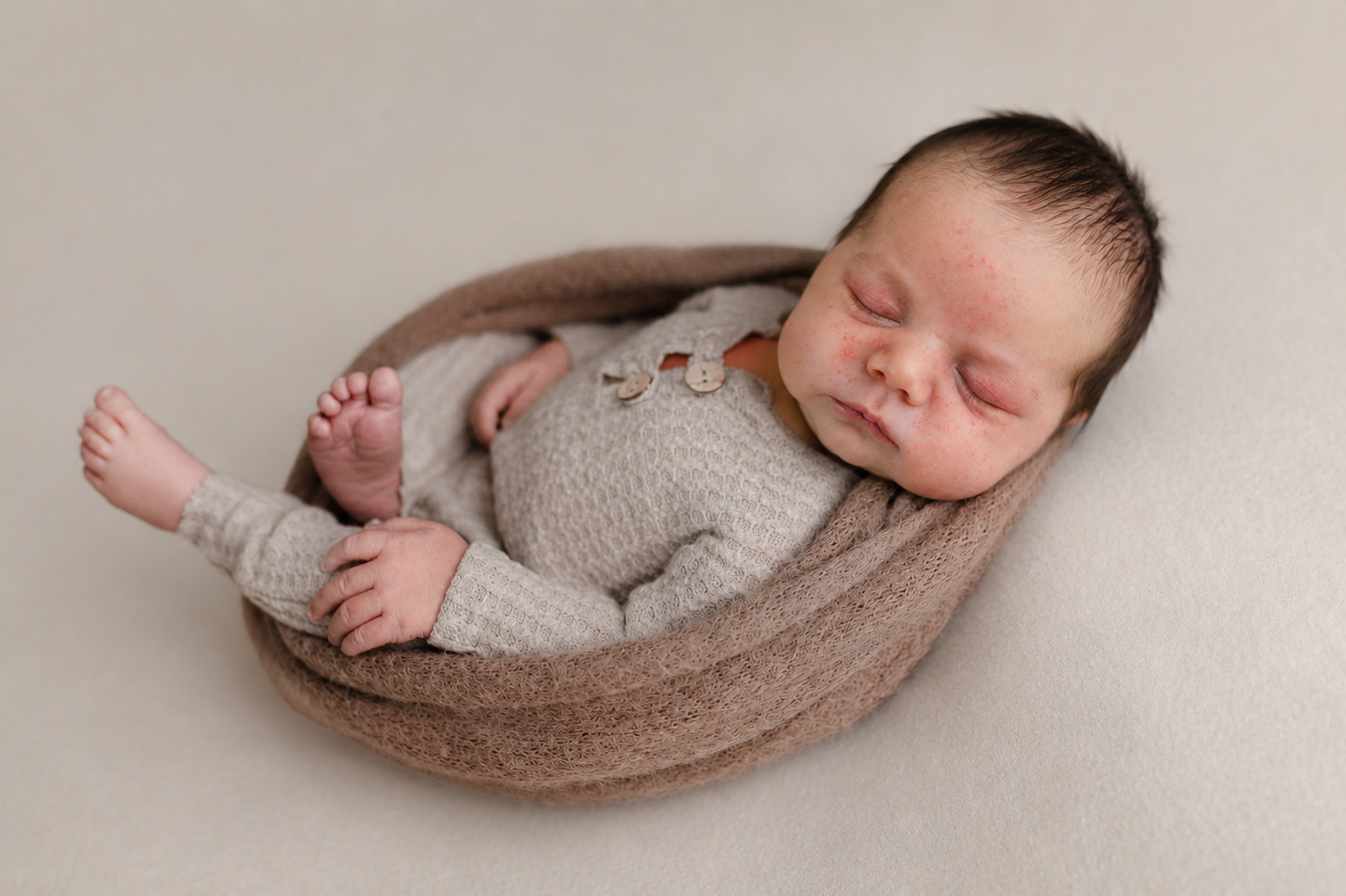
Drag to compare
The Real Goal Isn't To Become Faster At Photoshop
A better newborn editing workflow means needing Photoshop less.
You already spend enough time away from your family running a business.
Photographing sessions. Answering emails. Marketing. Ordering. Bookkeeping. Cleaning the studio. Doing all the invisible work nobody thinks about when they say, “It must be so fun to photograph babies.”
Your editing workflow shouldn't take whatever is left.
Because the baby you're retouching at 11:47pm isn't even yours.
There is a better way to do this.
A way where you know exactly what happens when the memory card comes out of your camera.
You know what to keep. You know what to fix. You know which program should fix it. You know when the image is finished.
And you stop spending three hours second-guessing something that could have taken twenty minutes.
Start Here
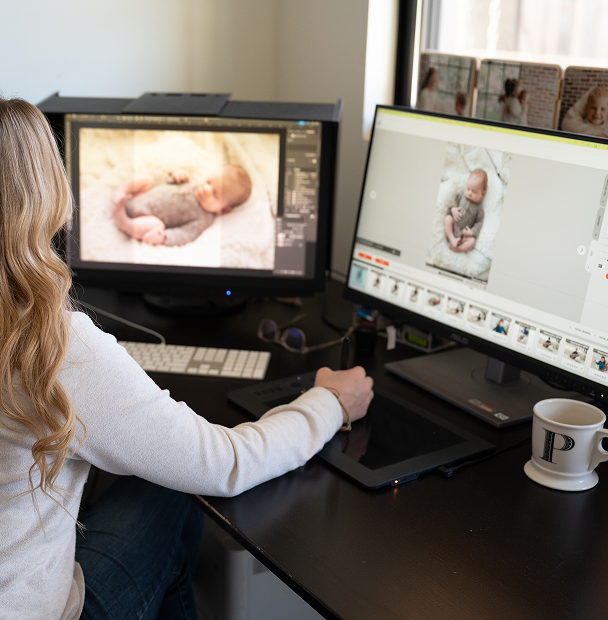
A complete newborn photo editing system built specifically for newborn photographers.
Not random Photoshop tricks. Not another preset you're expected to slap onto every image and somehow get the same result as the person who made it. Not 47 browser tabs because one person taught you skin retouching, another taught color correction, and someone on YouTube told you to do the exact opposite.
The Academy teaches you how the entire newborn editing process fits together, from the moment you upload your files until the finished gallery reaches your client.
Because when you do those things in the right order, everything after them gets easier.
One Membership. Every Course.
Stop piecing your newborn photo editing education together.
The Newborn Photography Editing Academy gives you access to the complete course library for one membership. Learn the entire system from beginning to end, or jump directly to the problem sitting in front of you today.
Foundations
Newborn Editing Workflow
Build a repeatable start-to-finish system so you're not reinventing your process with every session.
Retouching
Newborn Skin Retouching
Know what to do when newborn skin does what newborn skin does.
Software
Photoshop for Newborn Photographers
Learn the techniques that actually matter for the work you photograph.
AI-Assisted
Evoto AI for Newborn Photographers
Use AI to remove repetitive work without turning your clients' babies into plastic dolls.
Consistency
Newborn Color Correction & Consistency
Stop wondering why one image looks great and the next one looks vaguely… green.
Business
Profitable Newborn Editing Workflow
Because editing time is business time.
You Don't Need Another Magic Button
Learn newborn photo editing, not just which buttons to push.
Presets aren't bad. Actions aren't bad. AI isn't bad.
But none of them can replace knowing what you're looking at.
That's why everything inside the Academy is taught with the why, not just the clicks.
So when the next baby has different skin…
when the lighting changes…
when Evoto releases another update…
when Photoshop moves the button again because apparently Adobe enjoys keeping us humble…
you still know what you're doing.
And Yes, You Get The Buttons Too
Newborn editing presets, actions, practice files, and real images to work on.
Knowing the theory is important. Actually doing it is what makes it stick. Your membership includes tools and files you can use alongside the lessons.
Practice RAW Images
Work through techniques on real newborn photographs before trying them on a paid client gallery.
Photoshop Actions
Download the same workflow shortcuts used to speed up repetitive editing tasks.
Evoto Presets
Start with tested settings for common newborn retouching problems, then learn how and why to customize them.
Before + After Examples
Compare your result against a finished edit so you can see where you're on track and where something still feels off.
Reference Guides
Keep the information you constantly forget within reach without rewatching an entire lesson.
All included with membership
Try It Yourself
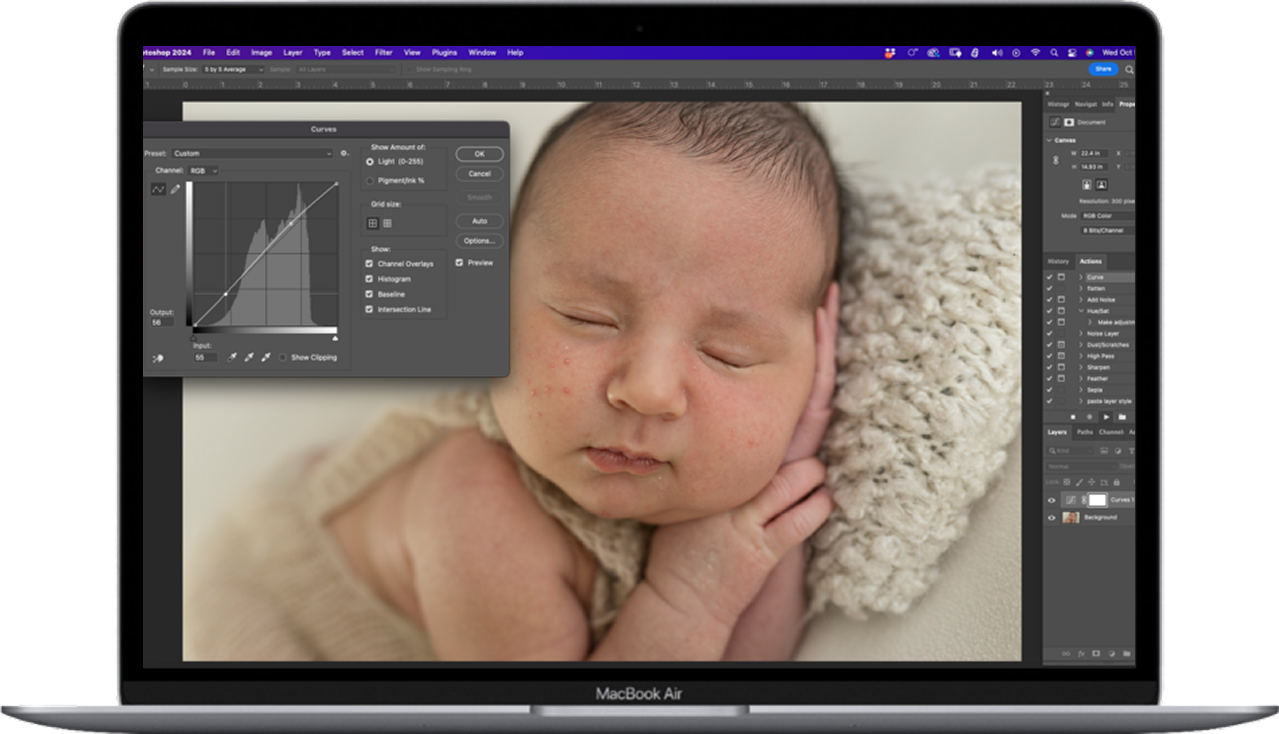
Practice newborn photo editing on real images, not perfect examples.
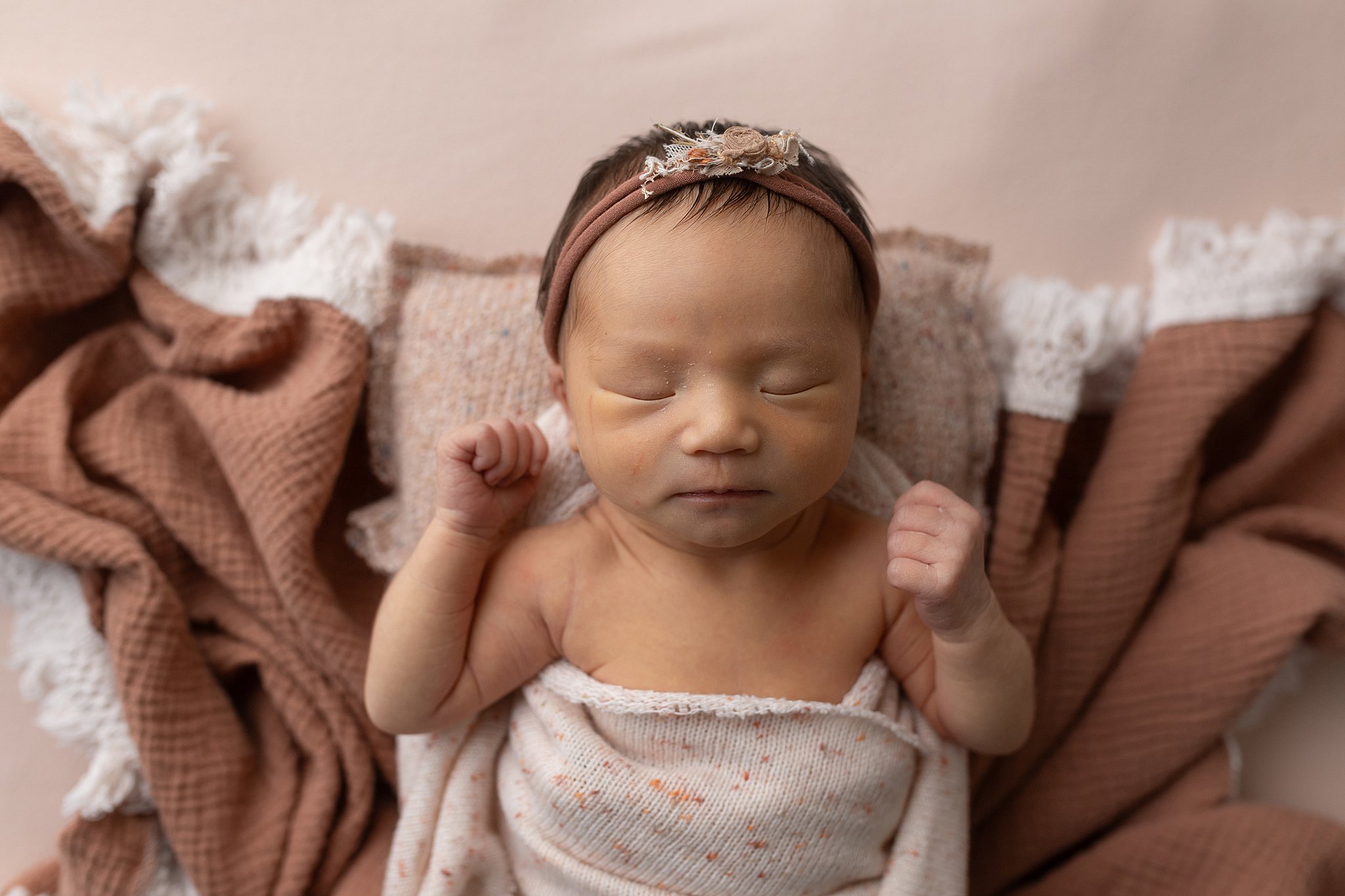
Sample 01
Jaundice
Start with the RAW file. Correct the foundation. Remove the yellow cast without draining all the warmth out of baby's skin. Finish with a natural color grade.
Download the Sample Image
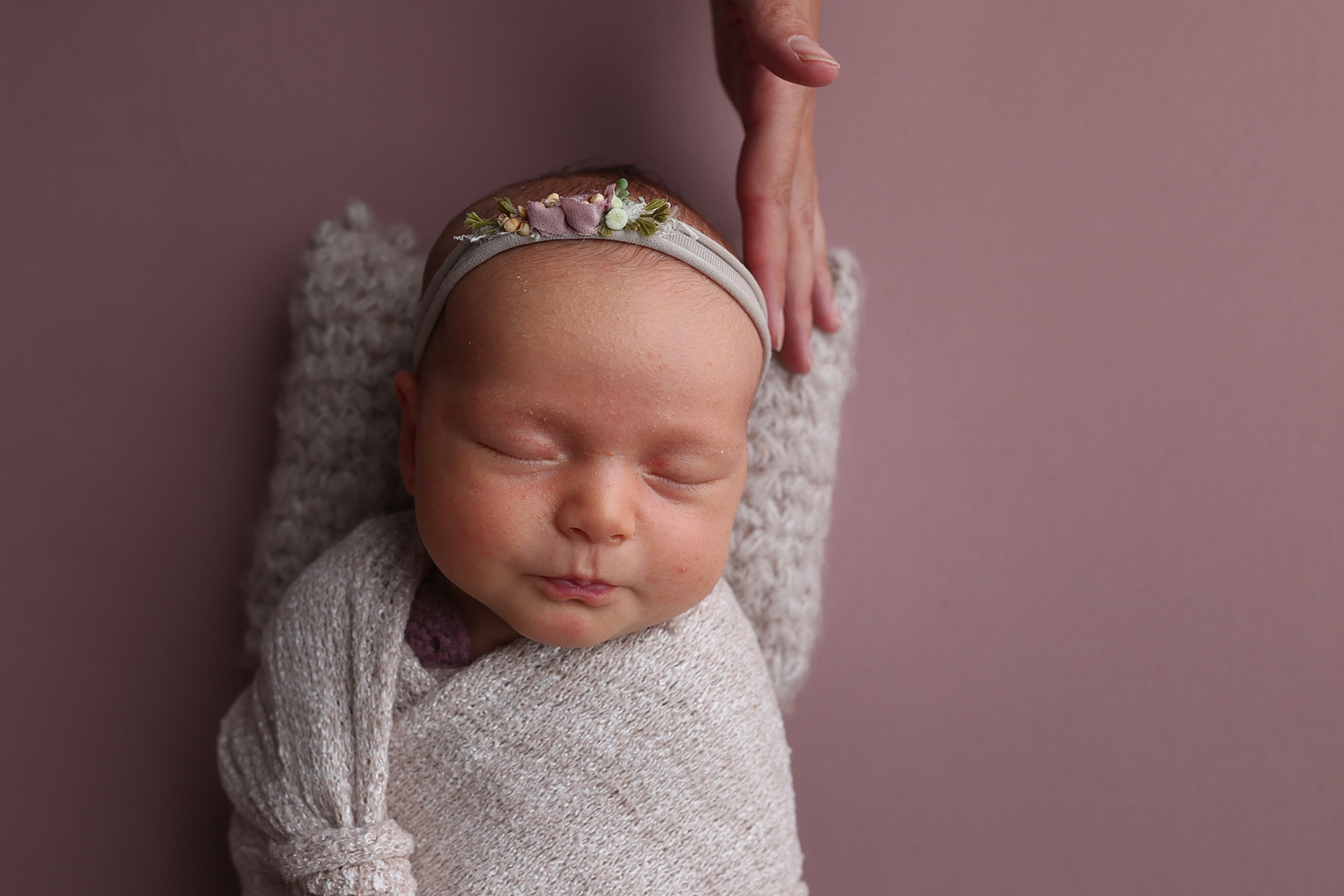
Sample 02
Baby acne + flaky skin
Learn what should disappear, what should stay, and how to keep real skin texture while removing the temporary stuff.
Download the Sample Image
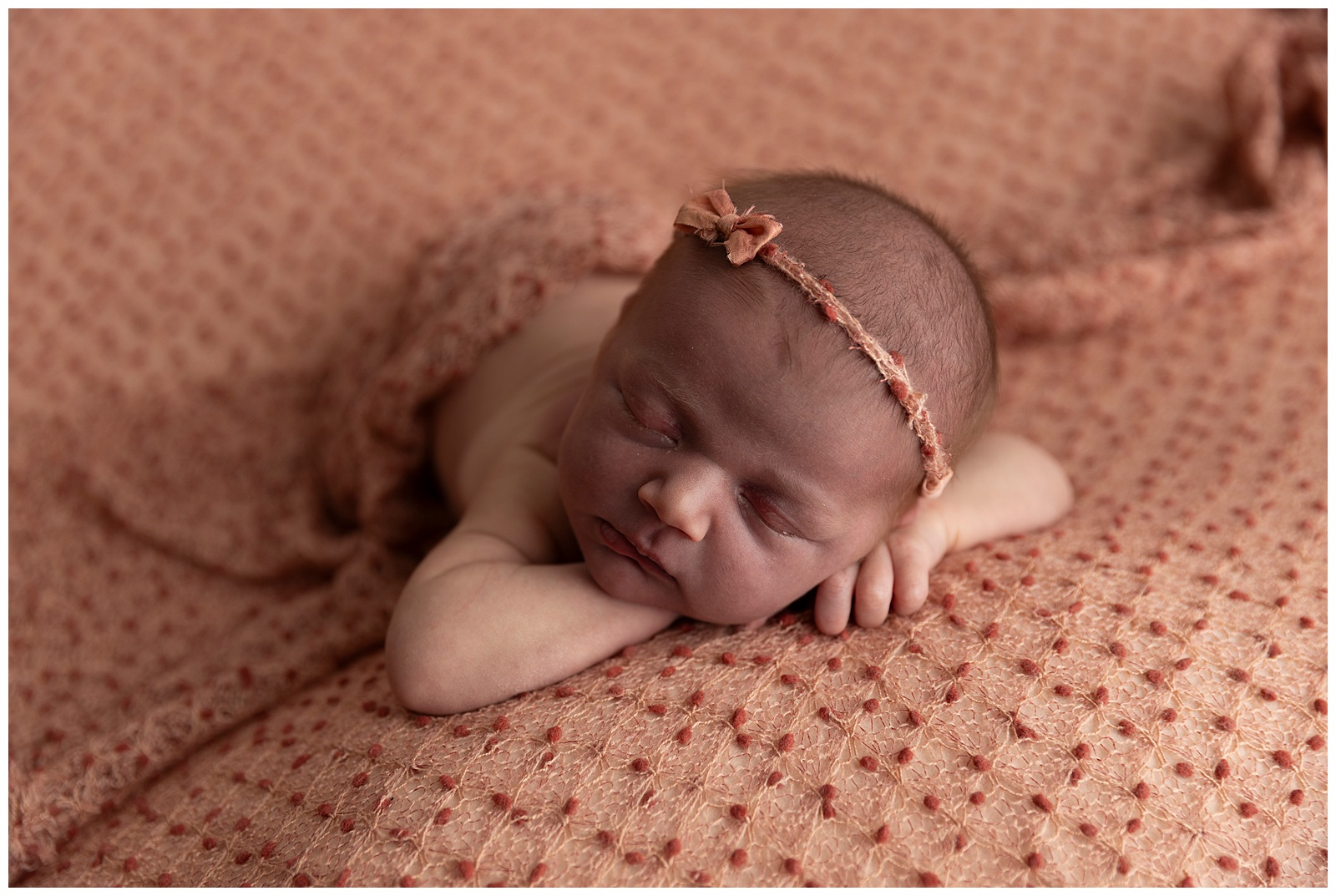
Sample 03
The image you almost deleted
Underexposed. Weird color. Great expression. Learn how to tell whether there's enough information in the file to save it and what to fix first.
Download the Sample Image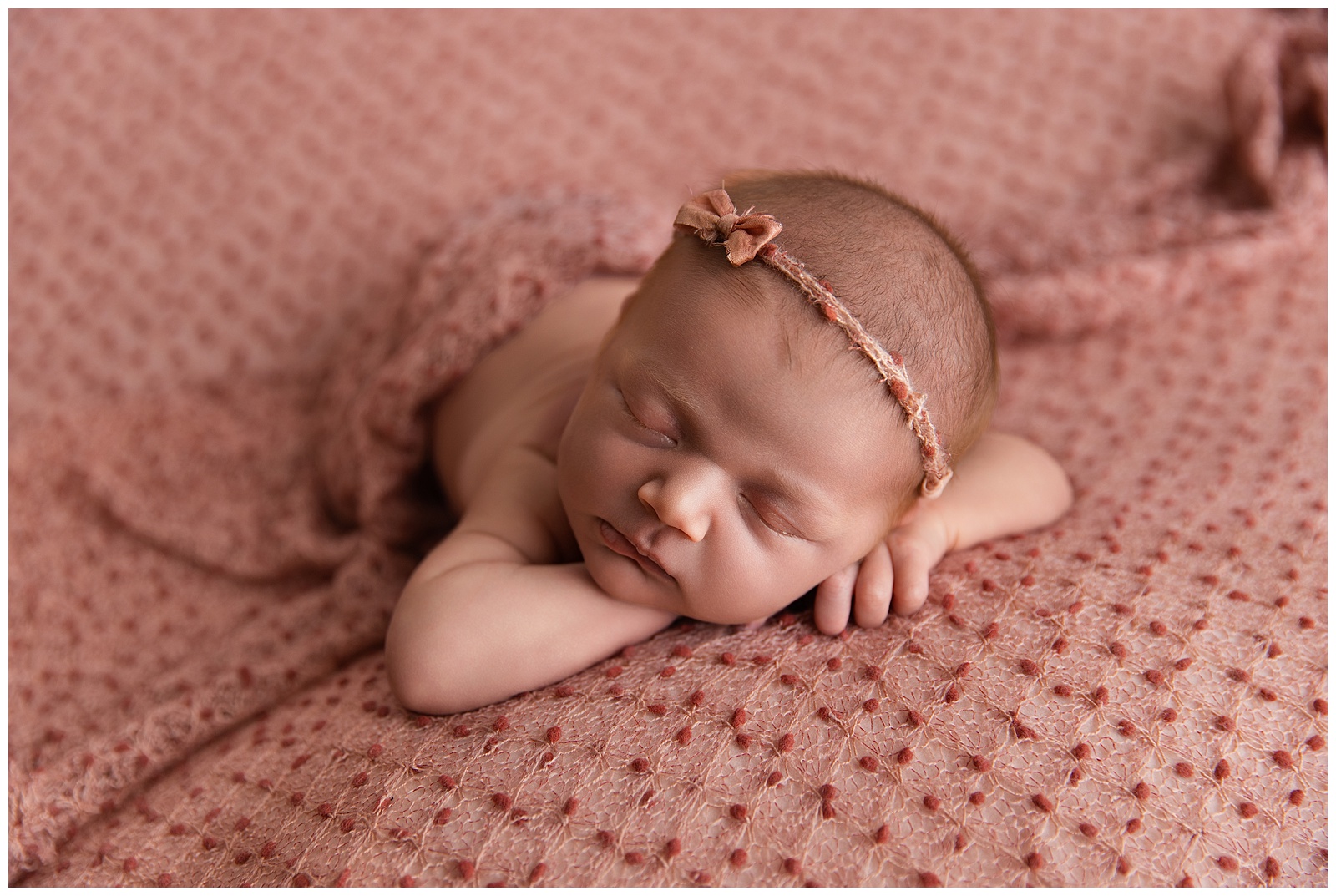
The Client Relationship Changes Too
They shouldn't have to hope their final gallery looks like your Instagram.
Your client chose you because she saw your work and pictured her baby in it.
She has been imagining these photographs since before that baby was born.
Your job isn't simply to take a beautiful photograph. It's to deliver the photograph she thought she was hiring you to create.
Consistent newborn photo editing means she knows what she's going to get.
Natural skin. Cohesive color. A polished gallery. Images that actually look like the portfolio that convinced her to book you.
And when clients trust the result, you stop feeling like you have to prove your prices every time someone inquires.
Then There's The Other Relationship
The one waiting for you outside your office.
Your clients deserve beautiful photographs.
Your family deserves you too.
Imagine finishing the session and knowing exactly what comes next. Imagine editing the gallery Tuesday afternoon while the kids are at school instead of Tuesday night after they've gone to bed. Imagine closing your laptop because you're actually finished, not because it's 1am and you've given up.
Imagine taking on the same number of clients and simply keeping more of the hours you're already working. Or taking on more sessions because newborn photo editing is no longer the bottleneck. Or deciding you don't want more sessions at all.
You just want to make dinner. Watch the kids at gymnastics. Watch a movie. Read a book. Go to bed at an hour usually reserved for adults instead of college students and newborns.
Efficiency isn't about cramming more work into your life.
It's about deciding what you'd rather do with the time you get back.
Your Workflow Is Costing You More Than Time
Every unnecessary editing hour comes out of something else.
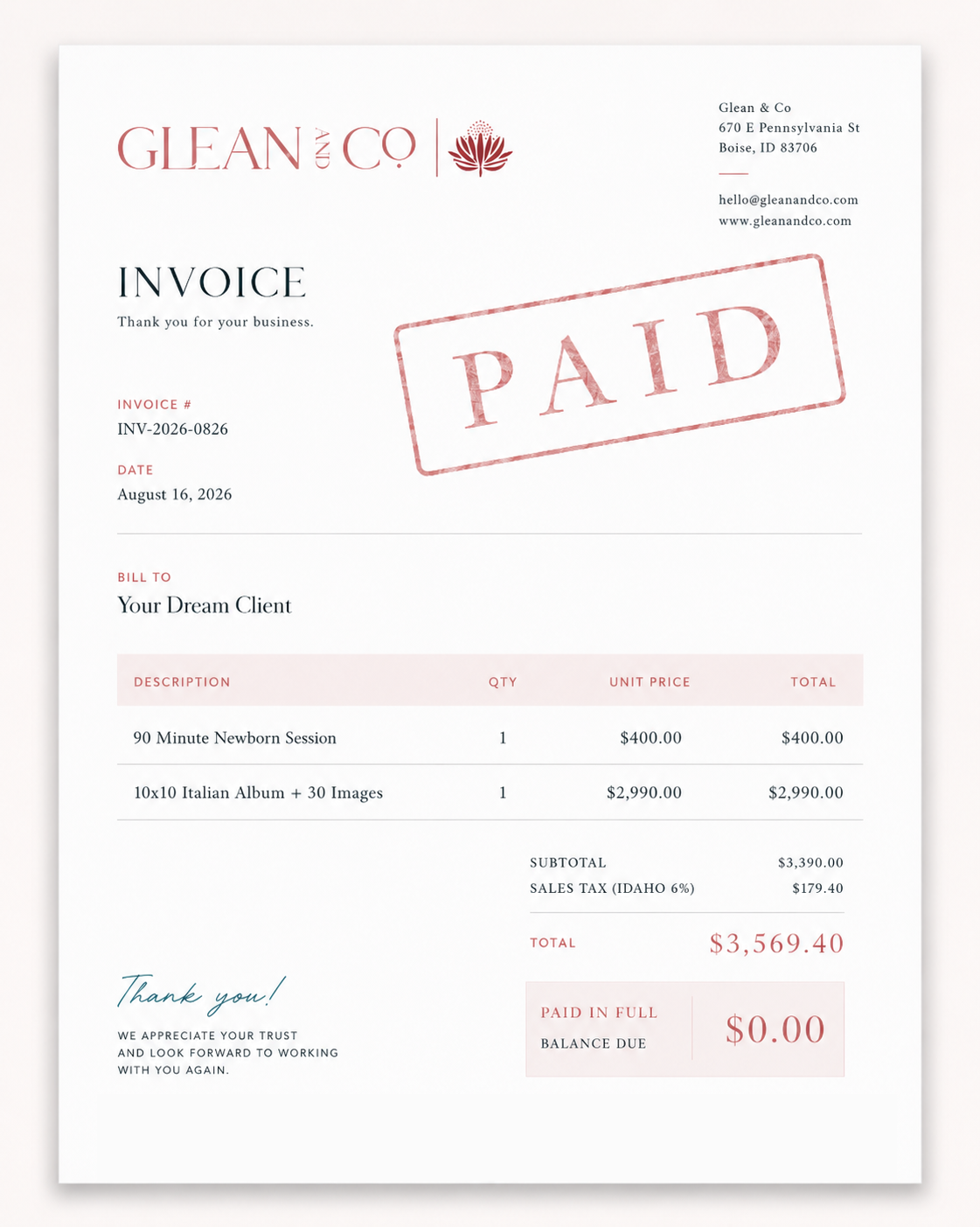
You can charge $500 for a session. You can charge $2,500. You can charge $5,000.
But if the work required to deliver it expands until it consumes every available hour, the number on the invoice doesn't tell the whole story.
A profitable newborn photography business isn't just about what your client pays. It's about what is left after you account for the time it took you to earn it.
You don't need to rush through your clients' images. You need to stop spending time on things that never needed your attention in the first place.
- Cull better
- Batch better
- Use the right tool for the right problem
- Edit only what needs editing
- Make fewer decisions
- Get paid for the work that matters
Better Galleries. Better Evenings.
What if every difficult image stopped stealing time from your family?
That's the point of learning a complete newborn editing system.
Your clients get the images they hoped for. You stop second-guessing every edit. And your evenings stop disappearing into Photoshop.
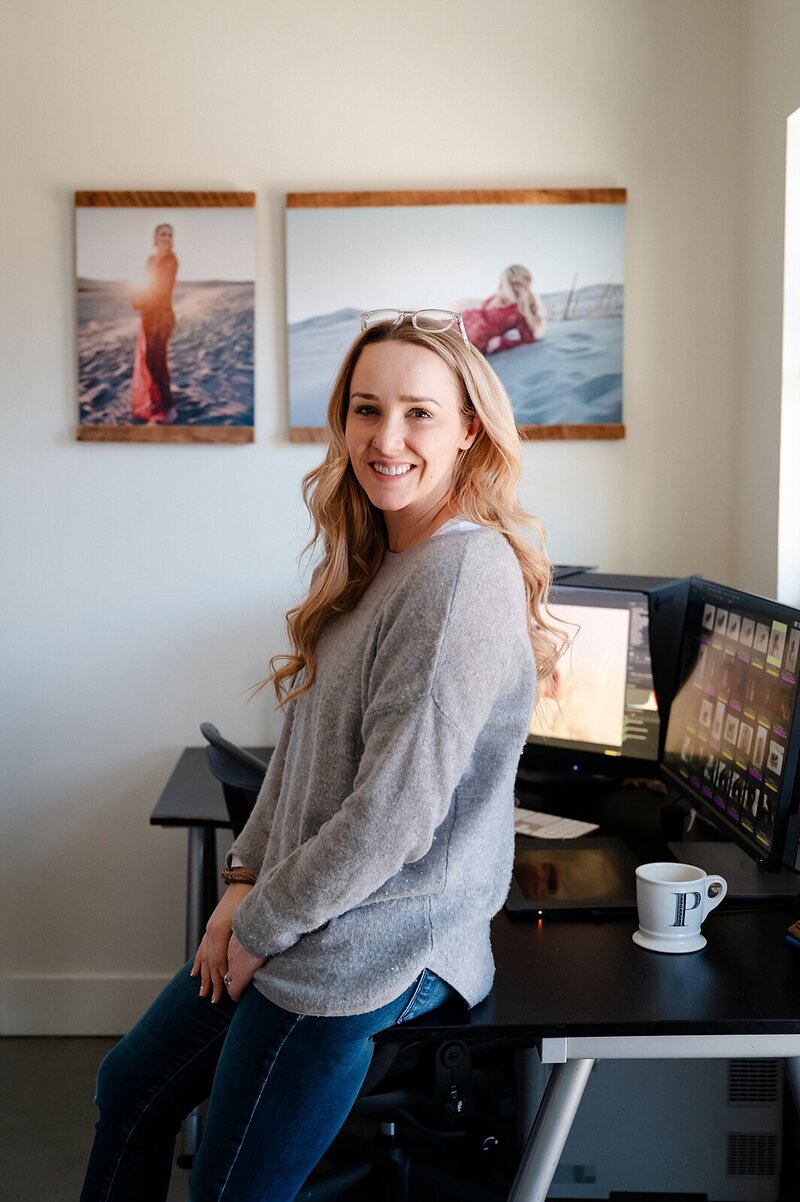
Learn From A Retoucher Who Became A Newborn Photographer
Long before I photographed newborns, I was retouching images.
I'm Paige McLeod. I've spent nearly 20 years working professionally in photo editing, including retouching work for brands and publications including Nordstrom, Eddie Bauer, and Entertainment Weekly.
For the last 9 years, I've applied that background to newborn photography while running my own studio in Boise, Idaho.
That means I approach newborn photo editing a little differently. I'm not interested in teaching you how I happened to make one image look good. I want you to understand why it looks good so you can do it again tomorrow on a completely different baby.
And I teach both sides of modern editing. Traditional Photoshop. AI-assisted retouching. Because you shouldn't have to pick a team. You should know enough to pick the right tool.
The Newborn Photography Editing Academy
One membership. A complete newborn editing education.
Start at the beginning and build your workflow. Or search the library because you have a jaundiced baby sitting on your screen right now and you need help immediately. Either works.
Included with your membership
- Full newborn editing course library
- Evoto AI training
- Photoshop training
- Camera Raw + Lightroom workflows
- Culling + softproofing education
- Skin tone + color correction training
- Family and parent retouching
- Practice images
- Photoshop actions
- Evoto presets
- Downloadable reference guides
- New lessons as tools change
- Updated lessons when software changes
- Email support
And Something You Won't Get From A Random Course Library
Send me the image.
If you're dealing with a newborn editing problem and you can't find the answer inside the Academy, send me the image. If it isn't already covered, I'll create a lesson showing you how I would approach it.
Because a membership isn't particularly useful if the answer to your actual problem isn't in it.
Choose How You Want To Learn
Same Academy. Two ways to get in.
Full access to the Newborn Photography Editing Academy for as long as you're a member.
- Every Academy course
- Practice images
- Actions + presets
- New monthly education
- Updated lessons
- Email support
- Cancel anytime
Learn at your own pace and keep access permanently.
- Everything included in monthly
- Lifetime access to the Academy
- Future course additions
- Future lesson updates
- Two complimentary private 1:1 Zoom sessions with Paige
One client shouldn't cost you the rest of your day.
A newborn session can be profitable. The gallery can be beautiful. Your clients can be thrilled. And you can still be there when your own family gets home.
Those things are not mutually exclusive. You just need an editing system built to make all of them possible.
Create work you're proud to deliver.
Then close the laptop.
Monthly membership $47 · Lifetime access $997